
How to scroll in MS-DOS or the Windows Command Prompt
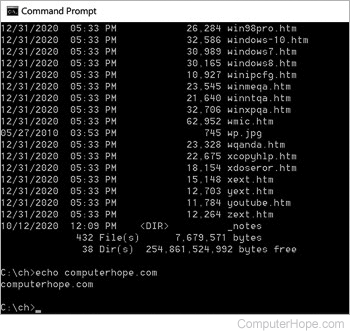
In a Windows command line or MS-DOS window, information may scroll too fast to read. On this page, we list command switches that help display and format a command's output so it can be all read.
There are no scroll bars in any version of MS-DOS or any version of Microsoft Windows when the command line window is fullscreen (no "Command Prompt" title bar is not showing). To change between a fullscreen and a window mode in early versions of Windows, press the Alt+Enter keyboard shortcut. All new versions of Windows no longer support this keyboard shortcut.
Listing files or command output one page at a time
If a command (e.g., dir) shows too much output, use one of the following examples to show any output one page at a time.
To list files in MS-DOS one page at a time, use the pipe ( | ) command with the more statement, as shown in the examples below.
dir | more
or
attrib *.* | more
Also, commands like the dir command allow the /p switch to display the output one page at a time, as shown in the example below.
dir /p