
Why am I only able to see a 2 gigabyte partition or drive?
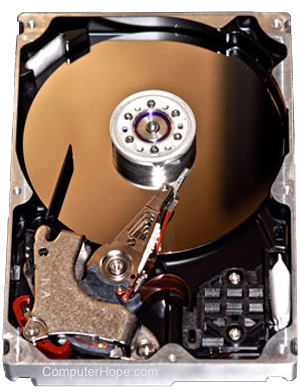
With Windows 95 and earlier versions of Windows and MS-DOS, a FAT16 partition table was used that only allowed up to a 2 gigabyte partition. While larger hard drives can be used, the drive would need to be split into multiple partitions without any third-party software.
Windows 95 OSR2
The second release of Windows 95 (OSR2) and later versions of Windows support a new FAT (file allocation table) called FAT32. This fat table supported drives upward of 32 gigabytes. To see more than 2 gigabytes, you must have Windows 95 OSR2, Windows 98, or a later version of Windows.
FAT32 and Windows 98
If you have an operating system that supports FAT32, to enable FAT32 support, you must delete and recreate the partitions using fdisk and enable large disk support. If you have Windows 98, convert the hard drive to FAT32 support by following the steps below.
- Click Start, Programs, Accessories.
- Click System Tools and click Drive Converter (FAT32).
It's important to know that if you convert the hard drive to FAT32, it only converts the two gigabyte partition and does not enable the computer to see over two gigabytes. To see the complete hard drive, you must run fdisk and delete and recreate all partitions.
Using partition utility
Alternatively, if you don't have an operating system that supports FAT32 or you don't want to erase your information from your hard drive, there are software options. For instance, download the utility Partition Magic and use it to manage the hard drive and enable FAT32 support.