
How to fix Windows error 'Data or no disk loaded' with audio CD
Updated: 12/30/2019 by Computer Hope
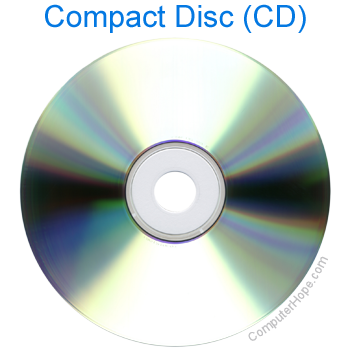
If you are getting the 'Data or no disk loaded' error when trying to access or play an audio CD (compact disc), follow the troubleshooting options below.
Bad or non audio CD is inserted
Make sure the CD is not bad or being misread by the computer by inserting another known good audio CD into the computer.
If another audio CD works correctly, the CD may be dirty. For steps on properly cleaning a CD, see our cleaning page.
MCI CD audio driver not installed or is corrupt
If no audio CDs work in the computer, but other CDs work, it's likely the MCI (Media Control Interface) CD audio driver is not installed or is corrupt on the computer.
To reinstall or install the MCI CD audio drivers follow the steps below:
- Open the Control Panel
- Double-click Multimedia.
- Click the Advanced tab, or the Device tab.
- Double-click Media Control Devices.
- Double-click CD Audio Device (Media Control).
- If this device is present and no audio CDs are working, click Remove on the General tab in CD Audio Device (Media Control) properties.
- Close all open Windows to return to the Control panel.
- In Control panel, double-click Add new hardware.
- Click Next, select No, click Next. In the box listing the available hardware, select Sound, Video, and Game controllers, and click Next.
- In the Manufacturers box, select Microsoft MCI.
- In the Models box, select CD Audio Device (Media Control).
- Click Next and Finish.
- Once Windows has completed the installation of the new device, reboot the computer.