
How to print DOS output to printer
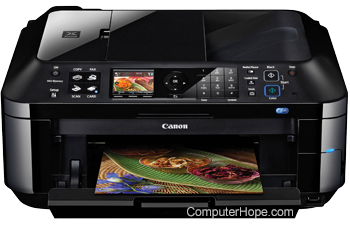
To send the contents of a text file directly to an attached printer on legacy computers running MS-DOS, review the following instructions.
The instructions on this page apply to Microsoft operating systems that predate Windows XP, such as MS-DOS. The instructions may also work on Windows 95 or Windows 98, which are bootstrapped by an MS-DOS operating system. However, if you are running Windows XP or later, or are using a printer with a USB (Universal Serial Bus) connection, these steps do not work. The commands below can still be used to write command output, such as a list of files, to a text file. The text file can then be printed using an application such as Notepad. For more information, see: How to print a listing of files in a directory.
Sending MS-DOS command output to a printer
To print information from MS-DOS to the printer the '> LPTx' command needs to be used after the command typed. This command tells the computer to reroute all information to the appropriate LPT port, x represent the port number. An example and most commonly used command is shown below.
DIR > LPT1
This command tells the computer to print a directory listing using the dir command. However, instead of printing it to the screen, send it to the printer, which is on LPT1.
The following command uses the type command to print the contents of files.
Type FILE.TXT > LPT1
If, however, multiple files need to be printed, using the copy command can also be used, as shown below.
COPY /B *.TXT > LPT1
The above example uses the copy command to copy all txt or text files in the current directory to the LPT1 port.
When using the above example, it is important to realize that this only prints ASCII (American Standard Code for Information Interchange) files and not BINARY or encrypted files. Meaning that only text files print using this method; attempting to print a Microsoft Word, Excel, Works, WordPerfect or any similar program that requires a program will not work.
When using the > LPTx command in MS-DOS, because the printer isn't sent a page feed command, the printer may not eject the paper from the printer. To eject the paper manually, use the button for FF (form feed) or page feed to eject your paper. If you have a dot matrix printer, use the hand wheel to manually eject the paper.
MS-DOS 2.0 to MS-DOS 6.x users
MS-DOS users using 2.x - 6.x can also use the print command.