
How to install a new port in Windows 98 or 95
Updated: 05/04/2019 by Computer Hope
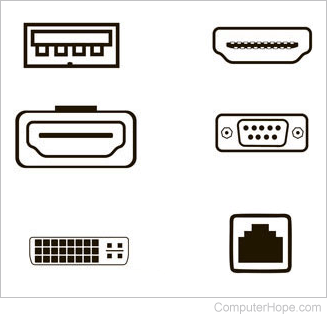
Before installing a port in Windows 95 or Windows 98, it's also important to verify that the port is also set up in CMOS (complementary metal-oxide semiconductor). Additional information about CMOS and how to get into it is found on our CMOS page.
Note
Users with laptop computers, or desktop computers with an infrared port, should consider disabling the infrared port. Disabling this port will free resources and resolve possible IRQ (interrupt request) or COM port conflicts.
Installing a port in Windows 98
- Open the Control Panel.
- Double-click the icon for Add New Hardware.
- Click Next, and then Next.
- Unless Windows 98 detects the communication port click No and then Next.
- Click No and then Next.
- Click Ports (COM & LPT).
- Select either communication port for a serial or modem port or Printer port for printer port.
- Click Next.
- Click Finish.
Once completed, you may need to restart the computer before that port appears. To verify if the port installed check Device Manager.
Installing a port in Windows 95
- Open the Control Panel.
- Double-click the icon for Add New Hardware.
- Click Next, say No, and click Next.
- Select Ports (COM & LPT).
- Click Next.
- Select either communication port for a serial or modem port or Printer port for printer port.
- Click Next.
- Click Finish.
Once completed, you may need to restart the computer before that port is available. To verify if the port installed check Device Manager.