
What is the difference between COMMAND.COM and cmd.exe?
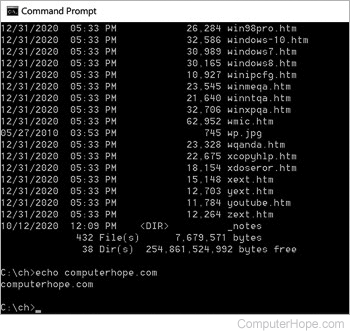
Not to be confused with OS/2 Warp's cmd.exe, in Microsoft Windows, cmd.exe is the executable of the command-line shell, also known as Command Prompt or CMD. It's more compatible and more easily ports between different hardware platforms than COMMAND.COM, which was the command interpreter with MS-DOS and Microsoft Windows for several years.
COMMAND.COM is included in Windows 8 and 10 for backward compatibility. We recommend using it when old MS-DOS programs won't run in these later releases of Windows.
What versions of Windows have support for the CMD command?
Microsoft Windows NT, Windows 2000, Windows XP, Windows Vista, Windows 7, Windows 8, Windows 10, and Windows 11 accept CMD as the command to open Command Prompt.
What are some advantages of using CMD instead of COMMAND?
Apart from what is listed above, an advantage of using CMD to utilize command-line commands is the ability to use long file names. When a user accesses COMMAND.COM, the short 8.3 name format must be used. For example, if you wanted to access "My Documents" in COMMAND.COM, type cd mydocu~1. However, to enter the same directory through CMD, type cd "my documents" or cd my documents.