
General scanner troubleshooting
Verify cables connected properly to the back of the scanner
If the scanner is a parallel port scanner, it has two available connections on the back of the scanner. Verify the cable coming from the computer connects to the IN, Computer IN, Computer, or similar connection.
Ensure that the scanner is getting power
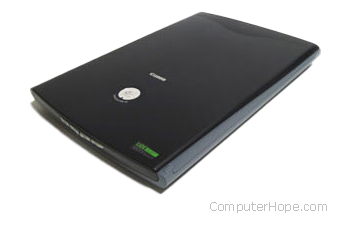
If your scanner is not getting power, we recommend you check all the scanner's electrical connections. Make sure they are connected properly at the back of the computer, at the scanner, and at your wall outlet. If the scanner's power cable is plugged into a power strip or surge protector, connect the scanner directly to the wall outlet, to verify it's not causing the problem.
If the computer scanner is getting power, you should notice the inside light come on when the power is first received by the scanner.
After checking the connections, if you still get no power to the scanner, we recommend you contact the manufacturer of the scanner.
Parallel port scanner troubleshooting
If another device connects between the scanner and computer, turn off the computer and temporally disconnect the devices connected to or from the scanner. If, after disconnecting these devices, the scanner works, it's likely that device has issues or cannot work with other parallel devices.
PC Windows users verify no TSRs are running in the background
Press Ctrl+Alt+Del and end task all currently running software, except explorer and Systray, and then scan again. If this resolves your issue, background applications (e.g., antivirus program) is preventing your scanner from working correctly.
Verify the LPT port mode
PC users should ensure the LPT port mode in the computer BIOS (basic input/output system) is set to either EPP (enhanced parallel port) or bi-directional mode, or try alternating between these two modes.
Update the drivers
Verify the latest drivers are installed for the operating system are used on your computer. For a listing of computer scanner manufacturers and links to driver downloads, see our scanner drivers page.