
How to alphabetically sort the Windows Start menu icons
Updated: 01/24/2018 by Computer Hope
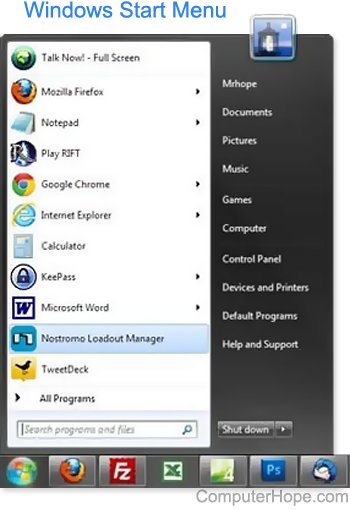
Over time the icons displayed in your Windows Start menu become unorganized, making it more difficult to find a program you may want to run. Below are the steps to sort these icons in an alphabetic order.
- In Windows Vista and Windows 7, click Start, type Taskbar and Start Menu, then press Enter. In Windows XP or earlier, click Start, Settings, and click Taskbar and Start Menu.
- In the Taskbar and Start Menu Properties window, click the Start Menu tab.
- Click the Customize button.
- Click the Sort button.
After the steps above are finished, all icons are sorted in the Windows Start Menu.