
Why am I unable to read a USB thumb drive?
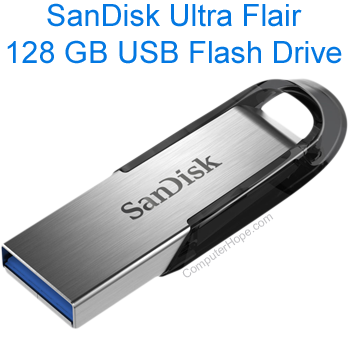
With USB devices and their ports, there are many problems that causes read errors. Thumb drive issues are no different. This page contains steps users can run through to detect, if not solve, issues with their drive or memory stick.
Many software issues can be fixed by keeping Microsoft Windows up-to-date. See: How to update a Microsoft Windows computer.
USB port issues
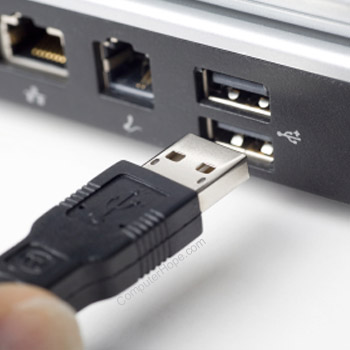
A good initial step is to try the thumb drive on a different computer. If it works, you know that the thumb drive is functional, and that the issue is related to a bad hardware or outdated drivers. If one computer can read the USB thumb drive, but another cannot, try the suggestions below.
- Try your thumb drive in multiple USB ports on the original computer. If any of them work, you have a bad USB port.
- If you are using a USB hub, try removing the hub and connecting the thumb drive directly to the computer instead of the hub.
- Front USB ports are often passive, which causes compatibility issues with some devices. If you are connecting to a port on the front of the computer, try using one on the back instead.
Older computer
Computers that are using USB 1.0 may not be compatible with some thumb drives meant for USB 2.0 and beyond. You can identify the generation of USB your computer uses through the following link.
PC vs. Mac thumb drive
There can be compatibility issues when attempting to read a PC formatted thumb drive on a Mac, or vice versa. If the thumb drive is working with one operating system, but not the other, it may have been formatted using NTFS (NTFS file system) or HFS (hierarchical file system), causing compatibility issues. To get both systems to read the drive, we suggest formatting as FAT32 or MS-DOS using the steps mentioned below.
Formatting a drive erases any of its contents. We suggest saving any important drive data elsewhere before proceeding.
Windows users - format drive
- Press the Windows key+E or open Windows Explorer.
- In the window, locate your thumb drive and right-click it.
- In the drop-down menu, select Format...
- In the Format window, select the format of either FAT (file allocation table) or FAT32 and click start.
Mac users - format drive
- In the Disk Utility section for your drive, format the drive as MS-DOS.
Accessibility restrictions
Some companies or home users restrict access to a computer via removable media. This action is taken to keep unauthorized users from installing unwanted software or removing information from the machine. If USB permissions are disabled, you cannot use your thumb drive.
Bad USB thumb drive
If the thumb drive cannot be read by a different computer and the latest drivers are installed, then it isn't functional.