
How to add a Library to Windows 7
Updated: 01/24/2018 by Computer Hope
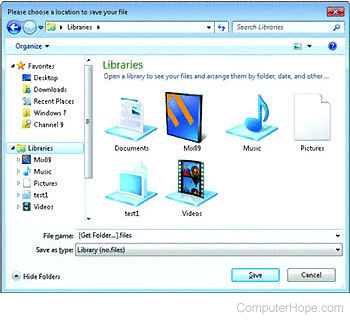
To add a library to Windows 7, follow the steps below.
- Open the Library icon on the taskbar of Windows 7. If the Library icon is not on the taskbar, click Start, type "libraries," and press Enter on the Libraries icon.
- Right-click any open spot on that screen.
- Hover your mouse pointer over New and click Library.
- Name your new Library
- Once this is done, you can select what you want in your library. To do this right-click the new library, and click Properties.
- A screen named New Library Properties appears.
- Click Include a folder.
- Choose the folder you want to be included in your new Library.
- Click Include folder.
- You then need to click the drop-down menu underneath Optimize this library for: and choose from General Items, Documents, Pictures, Music, or Videos.
- Click OK.