
How to copy a floppy diskette to another floppy disk
Updated: 05/21/2018 by Computer Hope
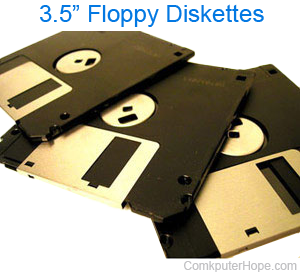
Use the MS-DOS diskcopy command by following the steps below.
Copy a floppy to floppy from a command line
- Open MS-DOS or the Windows command line.
- Once at the prompt, insert the floppy diskette you want to make a copy of and type the following command.
diskcopy a:
Once you have typed the above command and pressed enter, you'll be prompted for the source diskette that is already in the drive. After it has started copying the information it asks for a destination, insert the disk you want to use. The process of switching between the source and destination disk may happen several times depending on the amount of data on the diskette.