
How to install a joystick in Windows NT 4.0
Updated: 08/02/2019 by Computer Hope
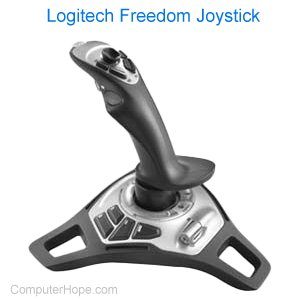
If you need to install a joystick in Windows NT 4.0, follow the instructions below.
- Click Start, Settings, then Control Panel.
- Double-click the Multimedia icon.
- Select the Device tab.
- Click the Add button.
- Select Unlisted or updated driver.
- Select Browse, and open up the drive containing the Windows NT CD.
- Open the \drivlib\multimed\joystick\x86 folder.
- Click OK, then OK.
- Select Analog Joystick Driver, then click OK.
- When asked to restart the computer, select Yes.
- After the computer reboots, open the Control Panel and double-click the Joystick icon. Calibrate your joystick.