
How to fix Invalid Media type reading drive C:
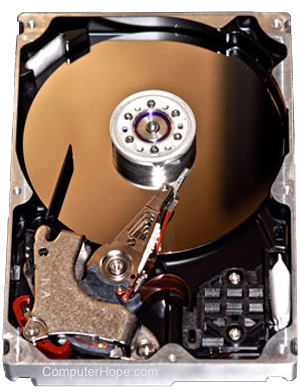
If you receive an "Invalid media type" error when trying to read data from the C: drive on your computer, the following tips and information may help you fix the problem.
The hard drive does not have a valid format
If you are receiving this message when your computer boots, it is likely unable to read the file system on the hard drive.
- Boot from a bootable floppy diskette.
- Once at the A:\> prompt, type C: and press Enter.
- If you do not receive this error message, type the following commands.
a: <press Enter>
fdisk /mbr <press Enter>
Sys c: <press Enter>.
- Once you have received the message System Transferred, reboot the computer and your issue should be resolved.
- If you receive the same "Invalid Media type reading drive C:" error, the formatting of the disk is likely invalid. We re-formating the hard drive by typing the following command after booting from a bootable floppy diskette.
Format c: <press Enter>
The command above erases all information on the hard drive, however, it recreates the format and allow the hard drive to be read.
The hard drive was partitioned but not formatted
If you recently used fdisk to delete and recreate a partition on the hard drive, you must format the partition by typing the following command after booting from a bootable floppy diskette.
format c: <press Enter>
The command above erases the hard drive, however, it recreates the format and should allow your hard drive to be read.
If the hard drive successfully formatted without any errors, install your computer's operating system.
The hard drive is bad
If, after following the steps above, your hard drive is still unable to boot, the hard drive is bad and needs to be replaced.