
How to troubleshoot a microphone in Windows
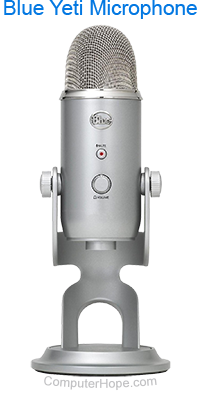
If you are experiencing issues with an internal or external microphone on a Microsoft Windows computer, review the troubleshooting options below to test and resolve the issues.
Before following the steps below, read our general microphone troubleshooting at: How to troubleshoot microphone issues.
Third-party software
Ensure the microphone is not working in Sound Recorder. If the microphone works in Sound Recorder, but not another program, that program is likely at fault and not the microphone.
Incorrect microphone device setup
- Open the Control Panel.
- In the Control Panel, double-click the Sound icon.
- Click the Recording tab and ensure the default recording device is set as the microphone.
- If your microphone is not set as the default recording device, right-click it and select Set as Default Device.
If your microphone is not displayed on the Recording tab, the microphone or sound card is likely defective. Try reinstalling the sound card to see if that corrects the problem.
Volume for microphone is muted or not turned up
Verify the volume for the microphone is not muted and is not turned down in the sound settings. To access the Windows sound settings, follow these steps.
- Right-click the sound icon (
 ) in the Windows notification area and select Open sound settings or Sound settings. If you do not see the sound icon, refer to our sound card troubleshooting steps.
- In the sound settings, locate the microphone or input section.
- Verify the Mute option is not checked or enabled, and ensure the Volume is turned up to the highest setting. If you do not see a microphone or input section in sound settings, check the Advanced settings and enable the microphone if not already enabled.
Sound drivers are corrupt or bad
If your microphone continues not to work or you are experiencing other issues, such as error messages when attempting to record, we recommend you update or reinstall the sound card drivers.
Replace microphone
If the troubleshooting sections above do not resolve the issue, it's likely the microphone is bad. If you are using an external microphone, we recommend buying a new one as it's cheaper replace it than repair it.
If the computer has a built-in microphone, we suggest purchasing an external one and connecting it to your computer. If your computer has Bluetooth capabilities, you could consider getting a Bluetooth headset with microphone. Buying and using Apple AirPods are another option.