
How to run a file from MS-DOS
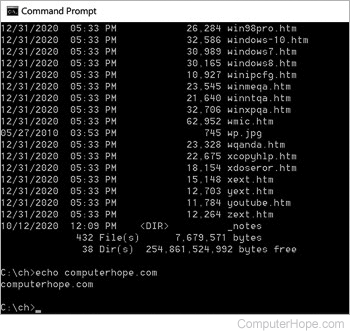
To execute or run a file from MS-DOS, you must run an executable file, which are .exe, .bat, or .com files. If you are uncertain which files in the current directory are executable files, use the dir command below at the MS-DOS prompt to list .exe files. You can replace .exe with .bat or .com to see those files in the current directory instead.
dir *.exe
Once you have determined the name of the executable file you want to run, type the name of the executable file at the MS-DOS prompt. For example, if the executable file is game.exe, you would type "game" at the command line.
If you don't see the file you want to execute or receive an error such as "bad command or file name," likely it is not in the current directory. Move to the directory of the executable file and run the command again.
For example, let's assume you downloaded the executable file game.exe and it is on the Windows XP desktop. Using the cd command, you can switch to the desktop directory by typing a command similar to the example below.
cd\docume~1\hope\desktop
Or, if you're already in the username directory of documents and settings, you can type the command below.
cd desktop
Once in the directory with the executable, type the name of the executable.
game
Finally, it is important to realize that when running an executable file from an MS-DOS shell (running MS-DOS within Windows), the program still use Windows to run. To run any other file types, you can use the MS-DOS start command and type start <name_of_file>, where <name_of_file> is the file's name.