
You have files waiting to be written to CD error
Updated: 07/13/2023 by Computer Hope
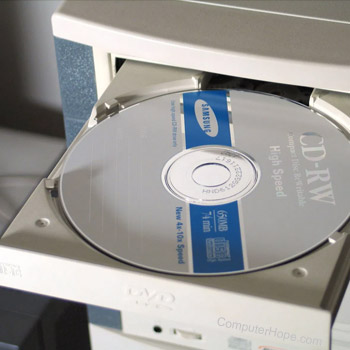
This message occurs on Microsoft Windows XP operating systems that have the included CD (compact disc) recording software enabled. To resolve this issue, follow the steps below.
- Open My Computer
- Right-click the CD-ROM (compact disc read-only memory) drive and select Properties.
- Click the Recording tab.
- Uncheck the Enable CD Recording on this drive option and close all windows.
Once disabled, to continue to use the Microsoft recording software, follow the steps above again and re-enable the Microsoft CD recording. Alternatively, we suggest you consider using third-party CD recording software.