Unable to find icons in Windows Control Panel
Updated: 10/18/2022 by Computer Hope
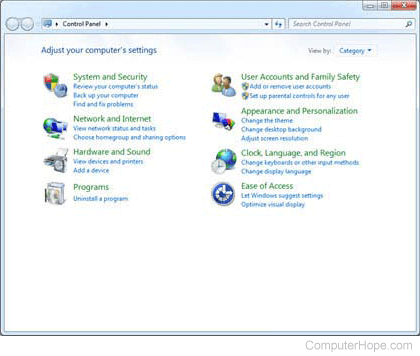
By default, the Microsoft Windows Control Panel displays icons in the Category View as shown in the image below. Some pages and instructions on Computer Hope and other sites may ask you to click an icon in Control Panel that is not shown in this view.
To switch to a view that displays all available icons, select your version of Windows below and follow the instructions.
Windows 7 and later
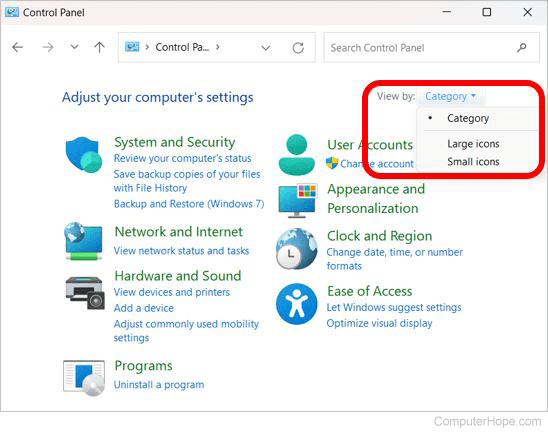
Near the top-right portion of the Control Panel window, click the View by drop-down menu and select Large icons or Small icons. Switching to one of these two views displays all available Control Panel icons.
Windows Vista and earlier
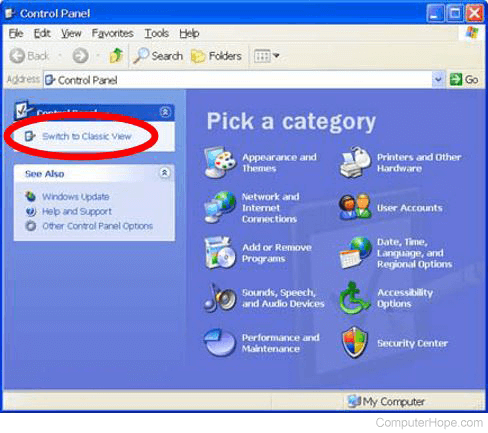
Near the top-left portion of the Control Panel window, click the Switch to Classic View or Classic View link. Switching to Classic View displays all available icons.