
How to fix an IP conflict
Updated: 08/31/2020 by Computer Hope
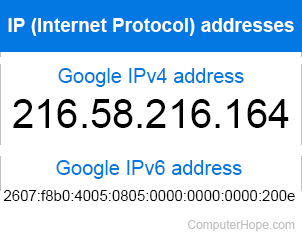
These conflicts often occur when the network is not using DHCP (Dynamic Host Configuration Protocol) to automatically assign IP addresses, and two devices are manually assigned the same IP address.
If your computer has DHCP enabled, often rebooting the computer allowing it to get a new address assigned to it resolves the issue.
If you're unsure if you're using DHCP or a static IP address, either try to locate the computer or device using the IP address or manually change your IP address to something else. For example, if the address was 192.168.1.105 changing it to 192.168.1.112.