
How to send a private message in IRC chat
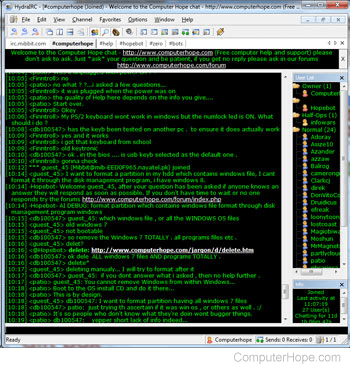
How to send a private message in IRC (Internet Relay Chat) depends on the IRC client you are using, and the IRC server configuration where you're connecting. However, using one of the below methods should allow you to send a private message to someone with most IRC chat clients.
Before sending someone a private message, practice good etiquette by asking for permission. Also, if that user is ignoring all private messages, your messages to that user are ignored.
Double-click the username
Double-click the username. If supported, a private chat with that user should appear.
Query or msg user
Using the /query or /msg commands also open a private chat with that user. Below are examples of how these commands are used. In both examples, we are sending a private message to the user with the name hope and the message hello. To open a blank chat, the message can also be left out.
/query hope hello
/msg hope hello
Some clients also allow users to shortcut /m instead of the /msg command to privately send messages.