
CD-ROM is getting power but does not work
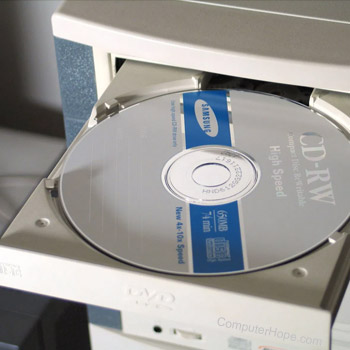
A CD-ROM (compact disc read-only memory) or other disc drive that's not working can be caused by a loose interface connection, bad or missing drivers, virus, or a dirty disc. Below, we cover each of these possible causes with help on determining if they're the cause to your CD-ROM or another disc drive not working.
Drivers
The most common cause of a CD-ROM drive to stop working is bad or corrupt drivers or a confliction between another running program. Often this issue is caused when your CD-ROM drivers are not loading properly into the computer or are corrupted.
Microsoft Windows 98 and above users
If you are using Windows 98 or newer, and you're trying to get your CD-ROM or DVD (digital versatile disc) drive to work, refer to the following article.
MS-DOS and Windows 95 command line users
If you're trying to get a CD-ROM to work on a computer running MS-DOS or Windows 95, make sure the drivers are loading properly. See the CD-ROM driver information page for additional information on CD-ROM drivers.
Dirty CD or drive
CDs are read by a laser in the disc drive, and any dust or dirt can cause read errors. See the computer cleaning page for information on how to clean the CD-ROM drive and CDs.
An easy way to verify if a disc is dirty is to try another disc. If multiple discs are not able to read, it is still possible that the drive may be dirty, but the discs themselves are not dirty.
Loose or bad interface cable
Open the computer and verify all your connections are correctly connected to the back of the CD-ROM drive. Although your CD-ROM may be getting power, the data cable may be loose, causing it not to work.
Virus
Although rare, a master boot record virus can also prevent CD-ROM drives from working properly. We recommend if you have a clean bootable floppy diskette with CD-ROM support, boot from the diskette, and try accessing the CD-ROM. If this does work from the bootable diskette, attempt to reinstall the CD-ROM drivers.
Bad drive
If, after trying all of the above recommendations, you cannot get the CD-ROM to read any CD (compact disc), the CD-ROM drive is bad.