
How to fix a no fixed disk present error
Hard drive not connected properly
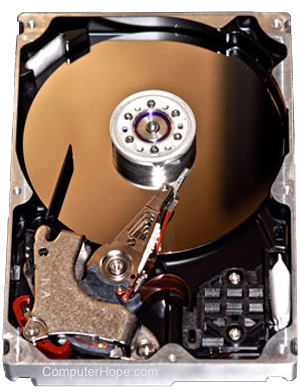
If the computer was recently moved or serviced, the cables for the hard drive may have become loose or are not connected properly. Open the computer and verify the hard drive cables are connected and connected properly to the hard drive and the motherboard.
Jumpers not set properly
If a new IDE (Integrated Drive Electronics) device was recently added to the computer and the jumpers are not set properly, it can cause a no fixed disk error message. Verify that the jumpers on the hard drive or other IDE devices are set properly to primary or secondary.
BIOS not set up properly
Today, most computers auto detect the hard drive in BIOS (Basic Input/Output System) but some computers may need for the hard drive to be defined in BIOS. If a hard drive is not defined in BIOS, this error occurs.
If BIOS has the availability for Auto Detect, BIOS values should not need to be entered.
Hardware is bad
If you checked everything above and the issue persists, the computer likely has bad hardware. Below is a short listing of hardware that causes this issue if bad. We suggest replacing the hardware in the order listed.