
How to fix memory parity errors
Updated: 12/30/2019 by Computer Hope
Random occurrence
Like all electronics, this could be a random occurrence. If this is occurring frequently, like every other boot, we would recommend trying the below solutions.
Issue with new memory
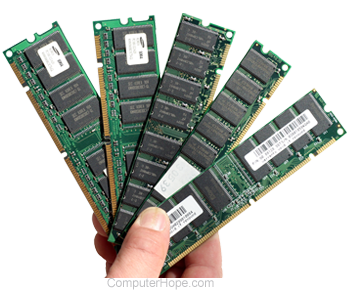 If you have recently added any new memory to the computer, temporarily remove that memory to verify it is not causing your issue. Different brands, memory speeds, or memory types can conflict and cause parity errors.
Bad power strip or power source
Try a different power outlet or power strip as the computer may not be receiving a good continuity of power.
Bad memory
Verify that the memory is not bad by either replacing it or contacting the manufacturer for replacement.
Bad motherboard
The motherboard memory connections or another component on the motherboard may have failed, causing the memory to not be detected.