
How to create a file in MS-DOS and the Windows command line
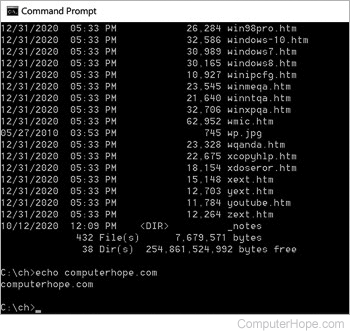
The following sections contain information on the various ways to create a file in MS-DOS or from the Windows Command Prompt. To proceed, you may read through each section in order or select from the below list.
With the edit command
64-bit versions of Windows do not include the edit command. Instead of using edit, use the start command mentioned below.
edit myfile.txt <press Enter>
If available and done properly, you'll see a window similar to the example below.
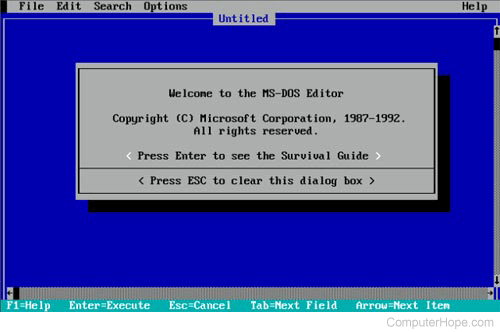
Once you have typed the information for the file myfile.txt, click File and choose Exit. If you do not have a mouse, see the edit command page for keyboard shortcuts and other navigation tips.
After clicking exit, if changes were made, the computer prompts you to save the file. Click Yes, and the file is created or overwritten with the new changes.
With copy con command
If you're running an MS-DOS version 4.x or lower or you cannot use the edit or the start method you can also use copy con to create a file, as shown below.
copy con myfile.txt <press Enter>
Upon executing the above command, the cursor moves down one line to a blank line, allowing you to create the new file line by line. Once you are ready to create the file, press Enter to get to a blank line, press Ctrl+Z, and then let go of both keys. Once "^Z" is shown on the screen, press Enter to save the file and exit.
Using the copy con method is a basic method to create a file that does not allow you to edit or fix any errors made while creating the line.
With the start command
start notepad myfile.txt <press Enter>
The Windows Notepad and any text editor can also be started to create a file from the command line. The above command uses the start command to run Notepad and create myfile.txt. Once the file is saved in Notepad, that file is created in the same directory as where the start command was ran.
How to list the file once created
After the file is created using any of the above methods, you can list it using the dir command.