
ClearType
Updated: 03/06/2020 by Computer Hope
Originally developed by Microsoft for Windows XP, ClearType is a technology that enables users to increase the overall quality of all fonts displayed on their computer. To enable ClearType in Windows, follow the steps below.
Windows Vista and later users
- Click Start.
- In the search box, type cttune.exe and press Enter.
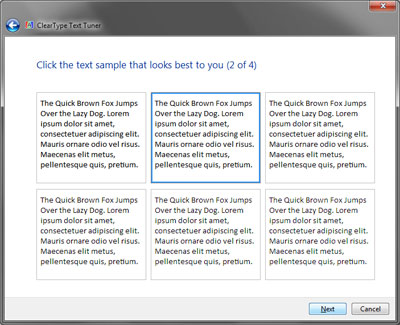
- The Windows ClearType Text Tuner opens. Go through each step to configure and enable ClearType.
Windows XP users
- Open the Control Panel.
- In the Control Panel, double-click the Display icon.
- In Display properties, click the Appearance tab.
- In Appearance, click the Effects button.
- In Effects, check the option for Use the following method to smooth edges of screen fonts, and select the ClearType option.