
How to fix low memory and out of memory errors
Computer needs to be rebooted
Often out of memory errors can be resolved by rebooting the computer. Before trying any of the steps below, we suggest you first try rebooting the computer.
Not enough memory installed in the computer
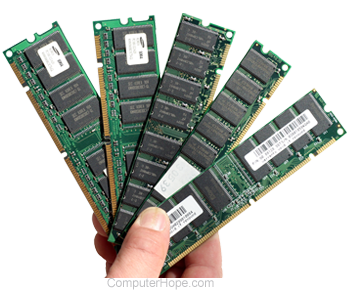 Ensure the computer meets the minimum system requirements of the software that you are trying to run. The system requirements are found on the side or back of the software packaging.
MS-DOS users can find additional information on getting additional memory and conventional memory by following suggestions found on our autoexec.bat and config.sys page. Information on how to create a bootable diskette is on our boot disk page.
Memory management software not installed
Many programs may require that memory management be installed or not installed.
If you're running MS-DOS or Windows 3.x on the computer, ensure the computer is loading himem.sys and emm386.exe unless otherwise recommended by the program documentation. If these are both loading, consider temporarily remarking the emm386 line as it could be causing your issues. Additional information about loading himem.sys and emm386 is on our autoexec.bat and config.sys page.
If you are running MS-DOS or Windows 3.x on the computer, temporarily disable or uninstall it to determine if it's causing your issue.
If you're running Windows 95 or Windows 98, emm386.exe, himem.sys, any other management program should not be required as Windows can control the computer's memory allocation.
If you're using Windows 95 or above with a memory management program, uninstall the program, as it could be causing the issue. If this program is required to meet the system requirements, we recommend you upgrade your system memory.
Not enough disk storage
Make sure the computer hard drive has at least 100-500 MB of free disk space if you are running any version of Windows. If little or no disk space is available that the computer swap file cannot expand in size as needed.
Software issue
If you continue to encounter out of memory issues with the program you are attempting to run, that the program may have an issue. Verify that you have all available updates and patches for the program.
If the issue persists or there are no available updates or patches for the program, contact the software developer or vendor for additional information and support.
Bad memory
Finally, if the suggestions above don't help resolve your out of memory issues, the issue might be caused by failing or bad memory in the computer.