
Mouse acting erratically, jumping, or is not moving properly
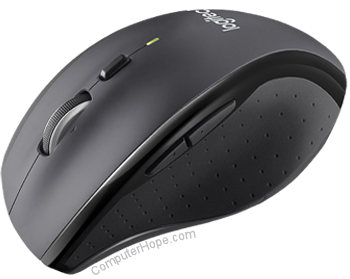
If the pointer skips or jumps around the screen when you move the mouse, the following steps may help you fix the problem.
If nothing happens on your screen when you perform other actions (aside from moving your mouse), your computer may be frozen. For help with a frozen computer, see: What should I do when a computer freezes or locks up?
The mouse is not clean
An optical-mechanical mouse (mouse with a ball) may not work well because the inside of the mouse is not clean. See our computer cleaning page for steps to remedy this problem.
The optical portion of the mouse is blocked
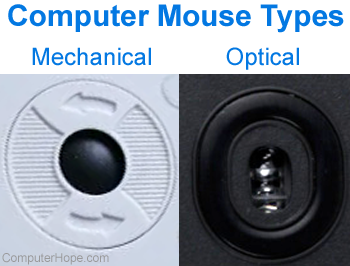
If you have an optical mouse (LED or laser) with erratic behavior, the sensor may be blocked. Hair or fuzz on the bottom of the mouse may prevent it from working correctly. Turn the mouse over and make sure there is no debris blocking the "eye" of the mouse. Using canned air or blowing into the hole with your mouth usually removes any debris that could cause problems.
Inappropriate surface
Although most mice work on any surface, optical mice are notorious for not working on glossy ones. If you're having problems, place your mouse on an object with a texture different than your desk, such as a book, mouse pad, or paper.
Wireless mouse
If you have a wireless mouse, there can be several reasons why your mouse may be jumping.
Bad wireless connection
As with any other peripheral, to communicate wirelessly, there needs to be a strong signal between a computer and a mouse. Make sure your mouse is no more than a few feet away from the wireless receiver. If your USB receiver has a short cable, you may try moving it to the front of the computer to get a better signal (fewer obstructions, shorter distance).
Bad or failing batteries
Bad or failing batteries can also cause low signal strength in wireless mice. Try replacing the batteries or making sure they are charged to see if they are causing the issue.
Wireless signal interference

As with any wireless device, signals going to the mouse are susceptible to RFI (radio-frequency interference). Depending on where the wireless receiver is located (and the band it uses), other device signals may cause interference between the mouse and its receiver. For example, wireless routers, keyboards, headsets, cordless phones, and other devices could be disrupting these signals.
Additionally, electrical interference can come from a computer monitor and other hardware. For example, if the monitor is not properly shielded or malfunctioning, it can release electromagnetic energy that scrambles or breaks up signals going to and from your mouse. The same concept applies to computer hardware, especially a power supply.
For both types of interference, the solution is to determine which device is causing it. Here are a few ways to do it:
- Try unplugging any other wireless devices near your computer to see if it solves your issue.
- Try swapping out your monitor to see it's the cause. Monitors that generate an excessive EMF (electromotive force) radiation are likely defective and should be replaced.
- Unplug or move detached devices (such as a countertop microwave or cordless telephone) to another location farther away from the mouse. Having too many devices that operate in the 2.4 GHz band can cause interference.
- The power supply is a bit trickier. If you've eliminated all other sources of interference, try moving your mouse to a different computer with your current machine powered down. If the computer power supply is causing the interference, it's best to replace it.
Reconnect and try a different port
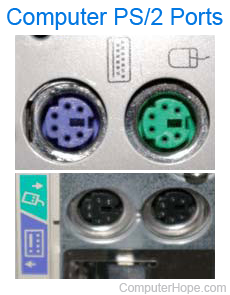
It is possible that a loose connection or bad port can cause problems with the mouse. Make sure that it's not a connectivity issue by disconnecting the mouse from the current port (either USB or a PS/2) and connecting to another one.
As an aside, if you are using an older computer with PS/2 technology (green port shown right), you may also want to consider upgrading to a USB (universal serial bus) mouse.
Moisture or other liquid on finger
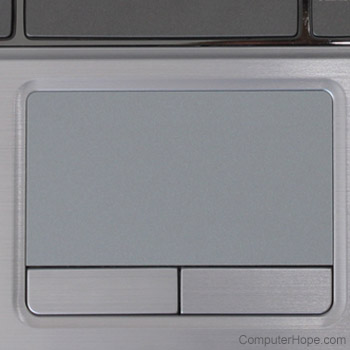
If you're using a touchpad, most are capacitive. Consequently, you may experience erratic behavior if moisture or another liquid (such as lotion or soap) is on your finger while operating it. Wash your hands and wipe them with a towel thoroughly to remove any lotion, soap, or other oily substances from your fingers. It may also help to clean off the touchpad itself.
Disconnect other peripherals
If you have other input devices, such as another mouse, graphics tablet, or keypad connected to your computer, it may cause interference. Try disconnecting these devices to make sure they are not causing the problem.
Update drivers and uninstall older drivers
Because drivers control how the mouse interfaces with the operating system, they can affect mouse functionality. Make sure you have the latest drivers from your mouse manufacturer.
We also recommend going into Add or Remove Programs (also called "Programs and Features" in newer versions of Windows) in the Control Panel and uninstalling all previous mouse drivers and software. Uninstalling old software is important when moving between mouse manufacturers, for instance, going from a Logitech to a Microsoft mouse.
Underperforming computer

If the mouse cursor only acts erratically or jumps around while playing a video game, the computer may not have enough RAM (random-access memory) or video memory. Also, if the graphics card in the computer is underpowered, a video game often experiences graphics lag. Low frame rates are often accompanied by a stuttering mouse cursor.
If you only experience mouse issues while using certain programs, review their recommended hardware requirements. If your computer is at or below those requirements, you must upgrade its hardware or purchase a new one to improve performance.
Corrupt operating system files or malware
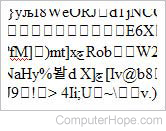
If, after trying everything above, you're still having problems with your mouse, and another mouse doesn't work either, there may be corrupt operating system files on your computer. If one or more system files that interact with the mouse are corrupt, this can cause erratic mouse movement or failure to respond and click in various cases.
If possible, rolling Windows back to a previous restore point could resolve the issue. However, you may have to perform an operating system repair install or full system recovery to resolve problems involving corrupt files.
Computer viruses or malware could also cause problems with mouse movement and clicking actions. Scan your computer with an antivirus program to determine if it's infected.
Defective mouse or motherboard
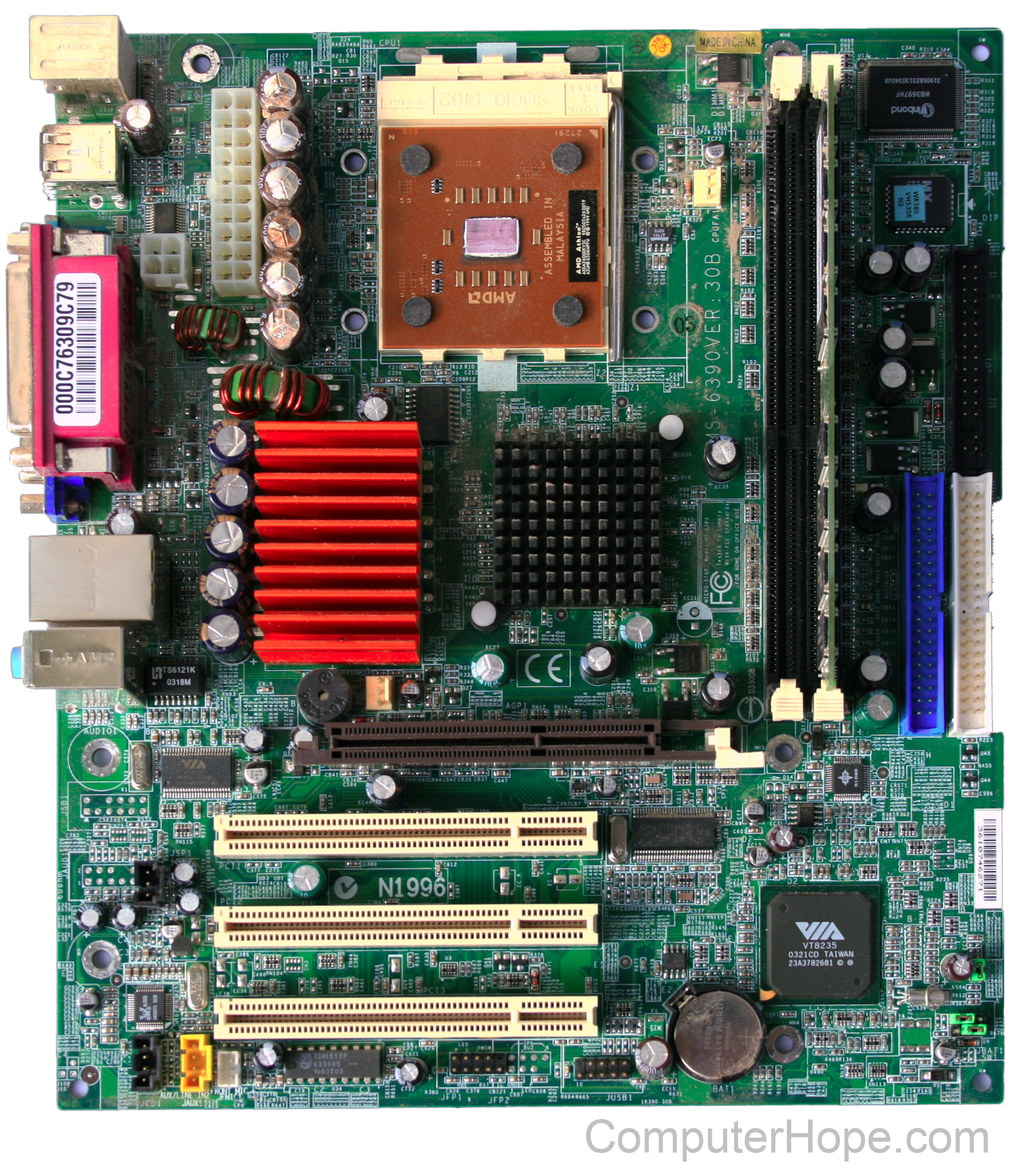
If you followed all the troubleshooting options above and continue to encounter problems, the mouse is likely defective. Try connecting the mouse to another computer. If it does not work on a different device, we suggest replacement.
If it does, the PS/2 or USB (universal serial bus) connections on your computer's motherboard may be defective. In this case, the motherboard needs to be replaced. To do so, purchase the same model you currently have or one with the same architecture so that it's compatible. While you can do it yourself, we'd suggest taking your computer to a repair shop due to the difficulty of replacing a motherboard.
If you purchase a new, different model motherboard than what is currently in the computer, you may need to reinstall Windows due to the change in hardware. As Windows drivers are specific to each motherboard, this hardware change necessitates different drivers.